
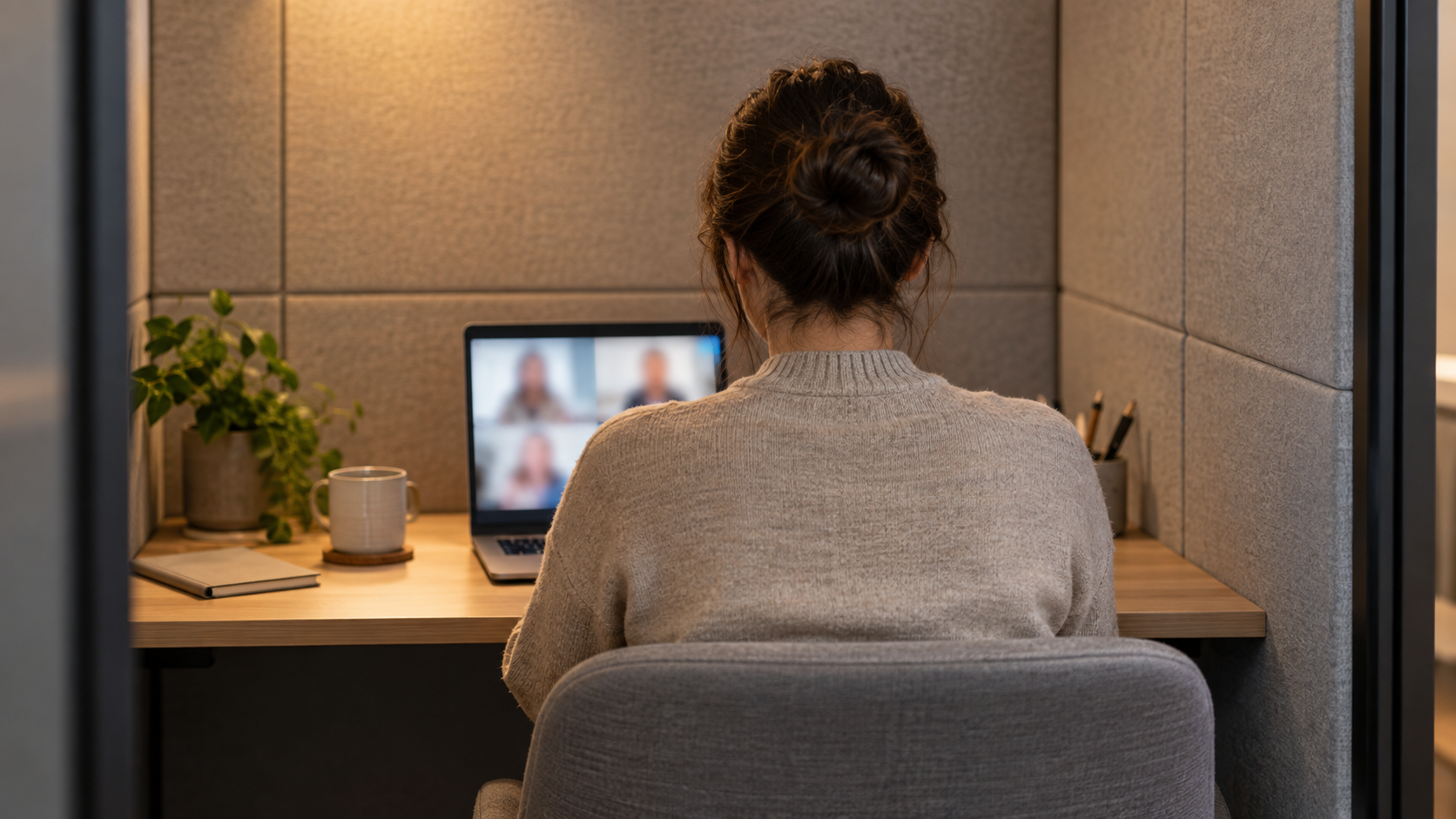
A video call is never just about the person on camera. It affects remote participants, the colleague taking the call, and everyone working nearby. Office phone booths and focus pods can make calls more comfortable and more considerate, but the result depends on more than buying the right enclosure.
The effective approach considers the full experience: what the caller sees and hears, what colleagues can see and hear, how the pod fits into the workplace, and how people are expected to use it. That gives workplace decision-makers a better basis for evaluating a pod than appearance alone.
Start with the job the pod needs to do
Different calls create different requirements. A short internal catch-up may need little more than a quiet place to speak. A client call, job interview, sensitive people conversation, or presentation may call for greater visual privacy, reliable lighting, and a more deliberate setting.
Before choosing locations or products, list the situations employees are currently struggling with. Are people leaving their desks for video calls? Are small meeting rooms being used by one person? Are calls spilling into corridors, kitchens, or open-plan areas? The answers help define the role of each pod and avoid treating every activity as the same.
Privacy is visual as well as acoustic
Acoustic privacy matters, but it should not be the only consideration. A user may be difficult to overhear while still being clearly visible through a door, screen, or nearby sightline. Likewise, a camera can unintentionally reveal a busy walkway, a colleague’s desk, a whiteboard, or a laptop screen.
Assess visual privacy from both directions. Stand outside the intended pod location and look toward it. Then sit inside with a laptop and check what the camera would include. Consider what happens when the door opens, where users place their screens, and whether passers-by can see into the pod.
It is important to set realistic expectations. A pod can support more private conversations and reduce disruption, but employees should understand how it is intended to be used. For example, an externally visible availability indicator or a clear booking status can discourage interruptions without creating awkward conversations at the door.
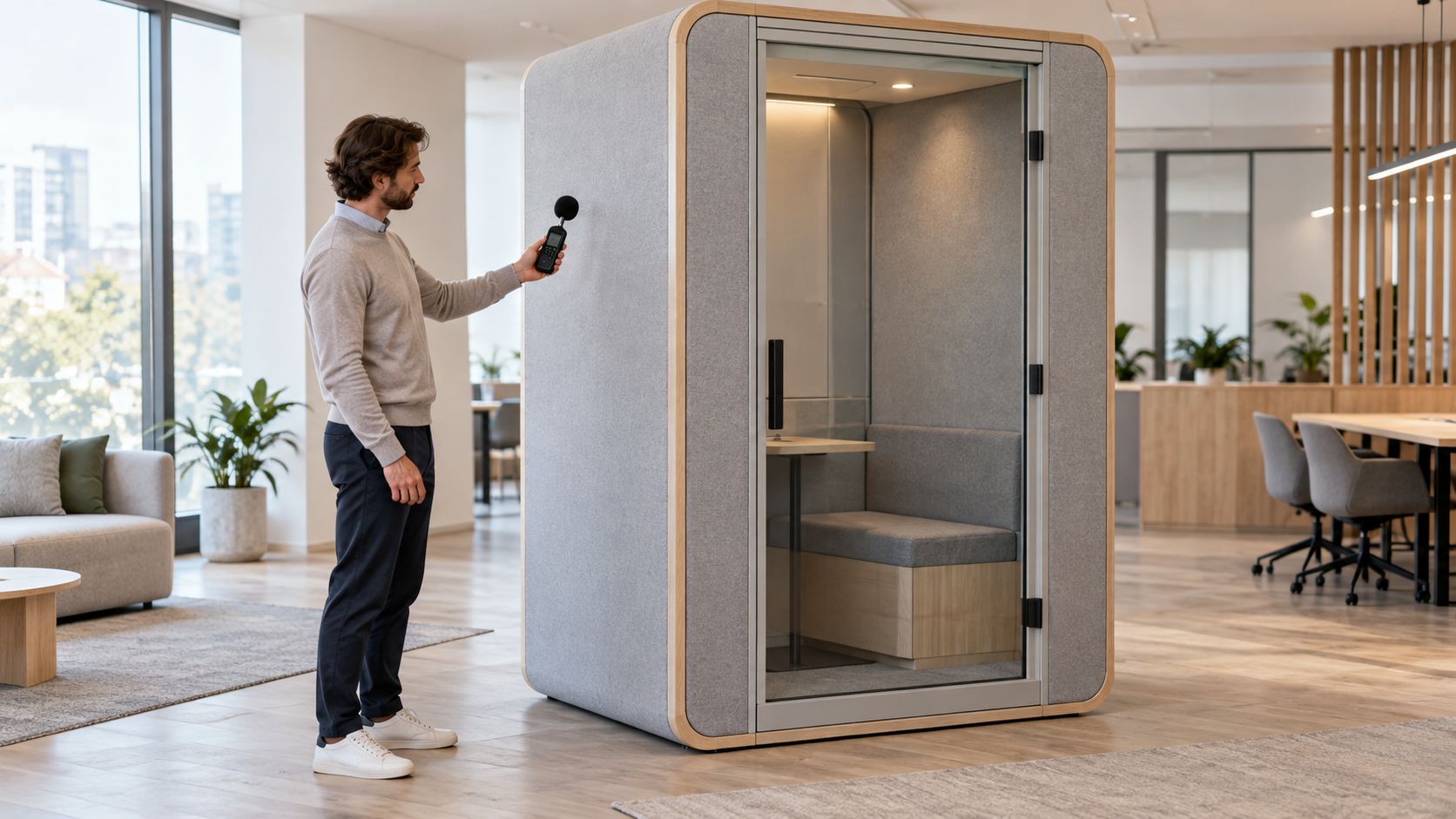
Lighting should make people look clear and comfortable
Poor lighting can make even a well-designed pod feel unprofessional on a video call. The priority is a user’s face: it should be clearly visible without harsh shadows, glare on glasses, or bright light directly behind them.
Test lighting using the devices people actually use. Laptop cameras often react differently from an external webcam, and a setup that looks fine in person may look uneven on screen. Ask several people to make short test calls, including people with different heights, skin tones, hairstyles, and glasses. This is a practical way to identify issues with glare, reflections, camera angle, and light balance.
The surrounding office also matters. A pod located beside strong daylight can look different at different times of day. A location near a reflective wall, glass partition, or bright screen may create visual distractions. Where possible, choose a consistent setting that allows users to start calls without adjusting blinds, moving furniture, or hunting for a better angle.
Make background and framing predictable
A predictable background helps calls feel calmer and more professional. That does not require a branded backdrop or a decorative feature wall. In many cases, a simple neutral surface and sufficient room to position a laptop at a natural camera height are more useful.
Check how a user is framed when seated. Their head should not be cramped against the ceiling in the camera view, and the camera should not point up from a desk or down from an awkward shelf. Make sure there is a sensible place for a laptop, charging cable, notebook, and water without creating a cluttered image.
Design for the people around the pod too
Placement has a social effect. A pod directly beside desks can still create distraction if people are constantly entering and leaving it. A pod in a remote corner may be underused if it feels inconvenient or isolated. The ideal location is usually close enough to daily work to be useful, but not so exposed that using it feels performative.
Look at circulation routes, nearby desks, and door direction. Avoid placing a pod where its entrance opens into a busy path or where users are forced to walk through a meeting area to reach it. Consider whether colleagues will be able to concentrate while someone is waiting outside, booking a slot, or taking a call nearby.
Make etiquette visible, not awkward
Simple usage guidance can prevent most friction. Explain when a pod should be used, whether it can be booked, how long a typical booking should be, and how users should report a problem. Make it clear that the pod is a shared workplace resource rather than a permanent personal workspace.
A small, well-written note near the pod or in the booking system is usually enough. It can cover closing the door gently, leaving the space clear, ending bookings when a call finishes early, and respecting a visible occupied status.
Test with real calls before making assumptions
A practical trial is more revealing than a showroom visit. Invite employees to use the pod for typical calls, then ask direct questions: Was the call comfortable? Could they see themselves clearly? Did they feel private? Was it easy to connect power and use their normal device? Did nearby colleagues notice disruption?
Use the feedback to adjust placement, lighting, booking rules, or operating guidance. The goal is a dependable, low-friction experience that makes video calls easier for everyone—not merely a pod that looks good on a floor plan.